
Setup
Mount, connect, go live
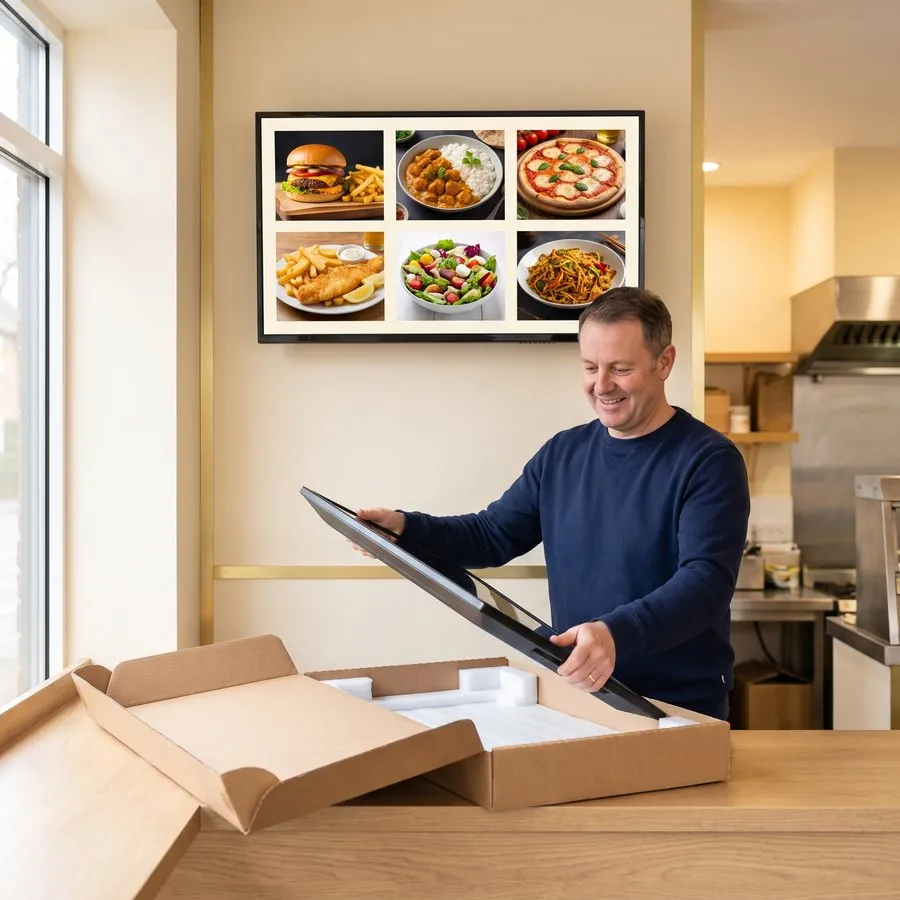
Your screens arrive ready for you or your own installer to mount.

Before you start
What you need to get started
A wall or stand, a power socket near each screen, and Wi-Fi. Check the wall can take the weight, or ask your installer.
- Wall or stand
- Power socket
- Wi-Fi
Step 1: Choose your package
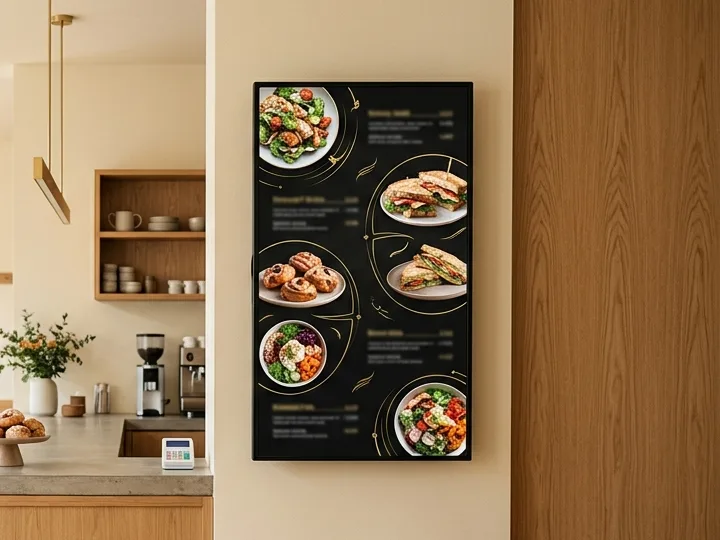
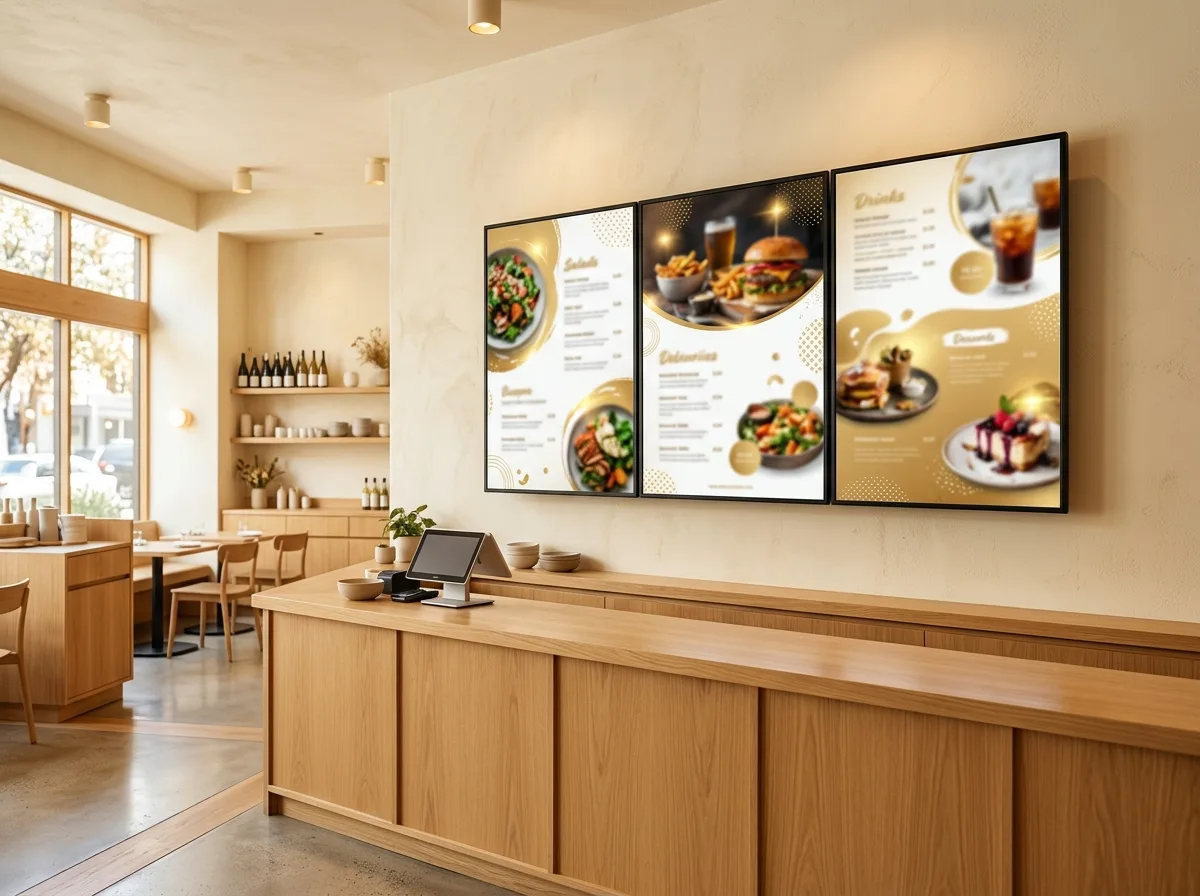
Tell us about your counter and shopfront, and we’ll recommend screens for the till and window.
Step 2: Delivered to your venue
Commercial displays and a dedicated player set up for busy service.
Step 3: Mount it yourself
Mount the screens yourself or with your own installer. You’ll need a wall or stand, a power socket and Wi-Fi.
Step 4: Connect and go live
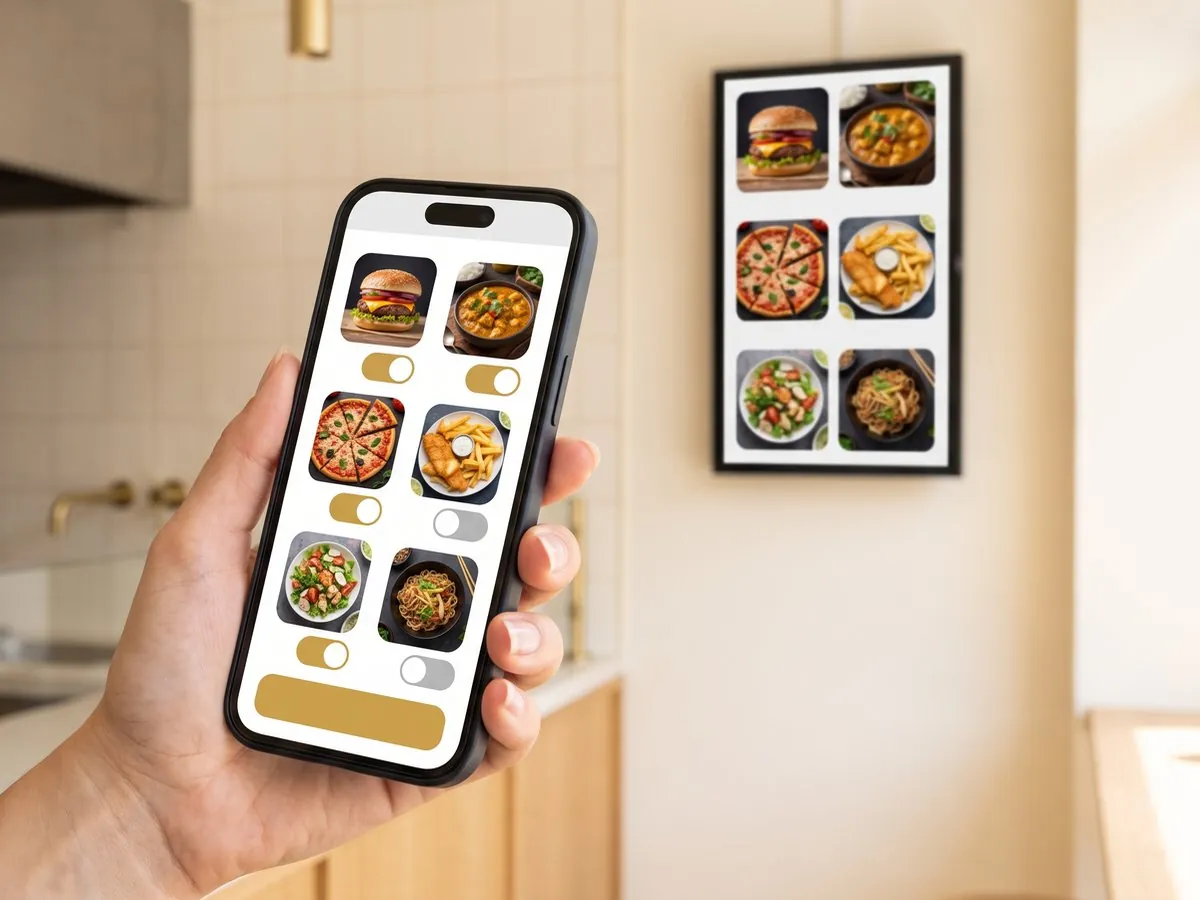
Connect to Wi-Fi, then change prices and specials from your phone whenever you need.
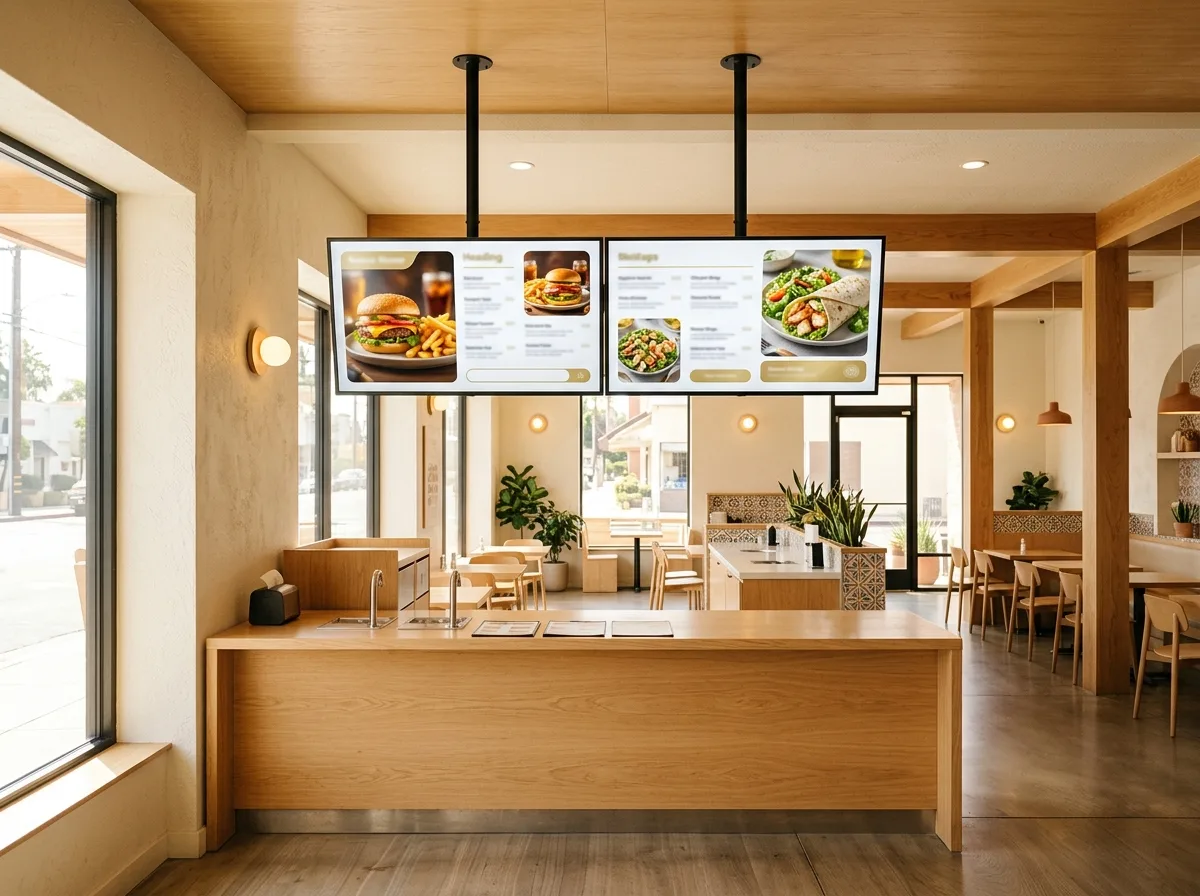
Mount it yourself or with your own installer
Ready when you are
Get your package quote
Tell us where the screens will go (counter, shopfront or both) and we’ll send a package quote.